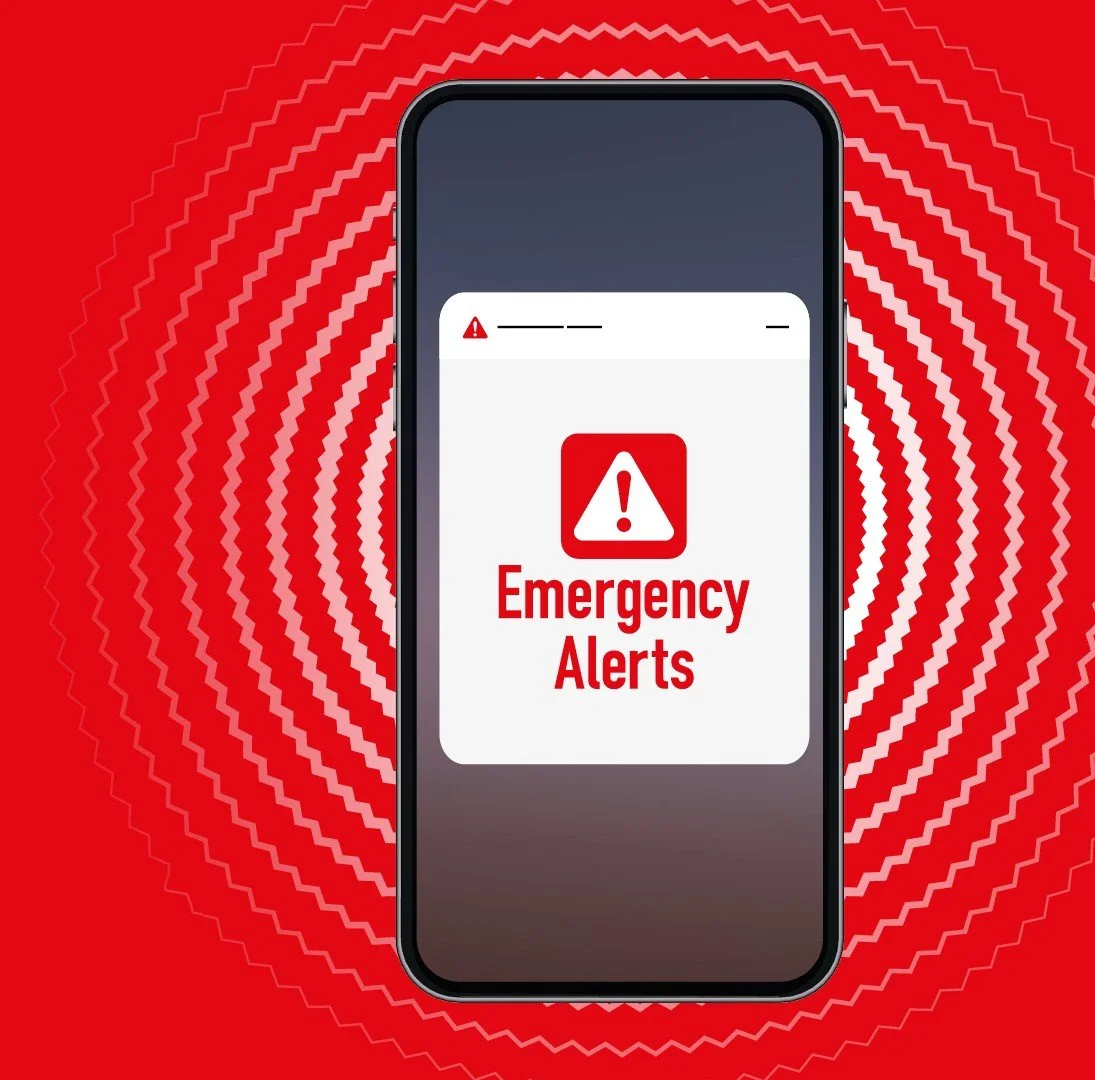

The UK Emergency Alerts system allows the Government and emergency services to send urgent warnings directly to mobile phones and tablets when there is a risk to life, health or property. These alerts are used during serious emergencies such as severe flooding or wildfires.
Emergency Alerts are sent to compatible 4G and 5G mobile devices and tablets located in an affected area. The system does not need your phone number and does not track your location. Only the Government and emergency services can send these alerts. If you receive an alert, you can verify that it is genuine by visiting gov.uk/alerts.
Emergency Alerts are just one of the ways the Government communicates with the public about emergency situations. So if you do not have a mobile phone, do not worry - you will still be made aware through the media and local emergency services.
What does an Emergency Alert look and sound like?
Emergency Alerts are designed to stand out from normal text messages. Your mobile phone or tablet may:
make a loud siren-like sound, even if it’s set on silent
vibrate
read out the alert
The sound and vibration will last for about 10 seconds.
The sound and vibration will last for about 10 seconds.
Emergency Alerts use a combination of loud sounds, unique vibrations, and screen compatibility features to ensure people with visual and hearing impairments are notified. Depending on your device settings, the alert may also work with accessibility features such as screen magnification or read the message aloud:
What should I do if I receive an alert?
If you receive an Emergency Alert, read it carefully and follow the instructions provided. The alert will explain the nature of the emergency and any action you need to take to stay safe. Familiarising yourself with how alerts look and sound will help you recognise and respond quickly if you receive one in the future.
Can I opt out?
You can opt out of Emergency Alerts, however, we strongly recommend that they are kept switched on as the system is intended to warn you when lives are in danger. To opt out, search for ‘Emergency Alerts’ in your device settings and switch them off. If you need help, contact your device manufacturer. Further guidance is available at gov.uk/alerts/opting-out.